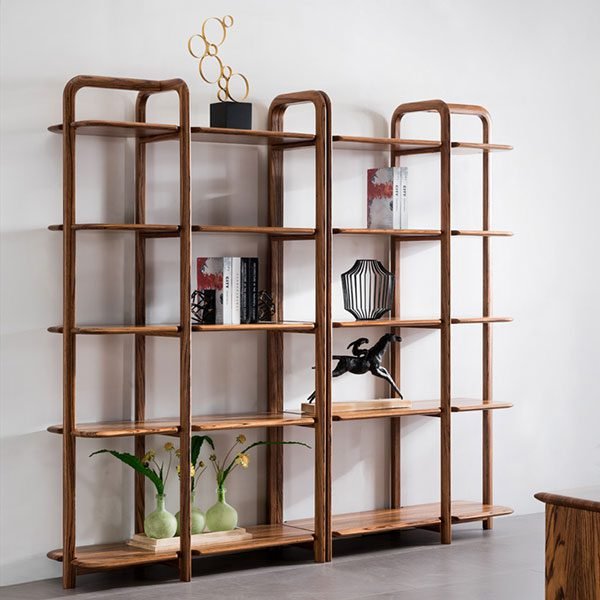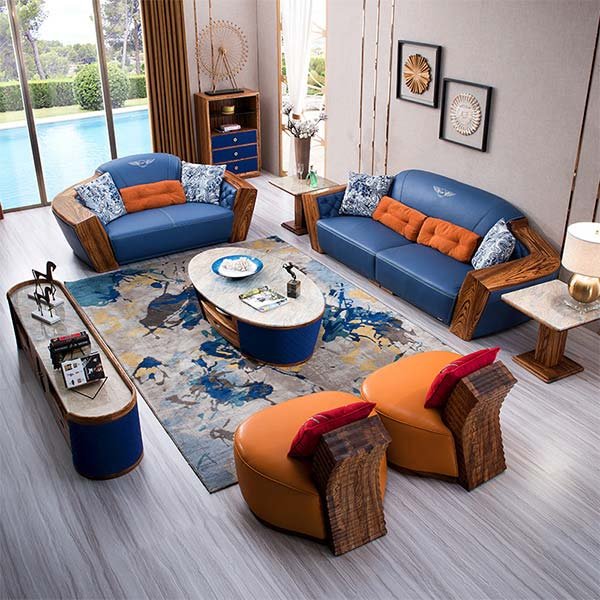
“Streamlined storage for your media devices on a stylish wood TV table.”
Creative Ways to Arrange Media Devices on a Wood TV Table
Creative Ways to Arrange Media Devices on a Wood TV Table
When it comes to organizing media devices on a wood TV table, there are several creative ways to make the most of your space and create an aesthetically pleasing setup. Whether you have a small or large TV table, these tips will help you arrange your media devices in a way that is both functional and visually appealing.
One creative way to arrange your media devices is by using shelves or compartments. If your wood TV table has built-in shelves or compartments, take advantage of them by placing your devices in an organized manner. For example, you can place your cable box and DVD player on one shelf, your gaming console on another, and your sound system on a separate compartment. This not only keeps your devices organized but also makes it easier to access them when needed.
Another creative way to arrange your media devices is by using cable management solutions. Cables can easily become tangled and messy, making your setup look cluttered. To avoid this, consider using cable clips or cable sleeves to keep your cables organized and hidden. You can also use cable ties or Velcro straps to secure the cables together and prevent them from tangling. By keeping your cables organized, you can create a clean and streamlined look for your wood TV table.
If you have multiple media devices, consider using a media hub or a smart TV. A media hub allows you to connect all your devices to a central hub, which then connects to your TV. This eliminates the need for multiple cables and makes it easier to switch between devices. Similarly, a smart TV allows you to access all your media content through one device, eliminating the need for additional devices. By using a media hub or a smart TV, you can simplify your setup and create a more organized space.
In addition to using shelves, cable management solutions, and media hubs, you can also incorporate decorative elements into your wood TV table setup. For example, you can use decorative baskets or boxes to store your remote controls or gaming accessories. You can also add plants or decorative items to add a touch of personality to your setup. By combining functionality with aesthetics, you can create a visually appealing and organized space.
When arranging your media devices on a wood TV table, it’s important to consider the layout of your room. If you have limited space, consider using wall-mounted shelves or a floating TV stand to maximize your space. This will not only free up space on your wood TV table but also create a more open and spacious feel in your room. Additionally, consider the placement of your devices in relation to your seating area to ensure optimal viewing angles and comfort.
In conclusion, there are several creative ways to arrange media devices on a wood TV table. By using shelves or compartments, cable management solutions, media hubs, and decorative elements, you can create an organized and visually appealing setup. Additionally, considering the layout of your room and maximizing your space will help create a more functional and comfortable viewing experience. So, get creative and start organizing your media devices on your wood TV table today!
Tips for Organizing Cables and Wires on a Wood TV Table
Tips for Organizing Cables and Wires on a Wood TV Table
When it comes to organizing media devices on a wood TV table, one of the biggest challenges is dealing with the tangle of cables and wires that often accompany them. Not only can a mess of cables be unsightly, but it can also make it difficult to find the right connection or troubleshoot any issues that may arise. Fortunately, there are several tips and tricks you can use to keep your cables and wires organized and easily accessible.
First and foremost, it’s important to label your cables. This simple step can save you a lot of time and frustration in the long run. Use small adhesive labels or colored tape to identify each cable and its corresponding device. This way, you’ll always know which cable belongs to which device, making it easier to make changes or troubleshoot any problems.
Another helpful tip is to use cable ties or Velcro straps to bundle your cables together. This not only keeps them neat and tidy but also prevents them from getting tangled or accidentally disconnected. You can find cable ties and Velcro straps at most electronics stores or online. Simply wrap them around your cables and secure them tightly. This will not only make your TV table look more organized but also make it easier to clean around your devices.
If you have multiple devices that require similar cables, such as HDMI or USB cables, consider using color-coded cables. Many manufacturers offer cables in different colors, allowing you to easily distinguish between them. For example, you could use a red HDMI cable for your gaming console and a blue one for your Blu-ray player. This can be especially helpful if you frequently switch between devices or have multiple devices connected to your TV table.
In addition to labeling and bundling your cables, it’s also important to consider cable management solutions. There are several options available, such as cable clips or cable management boxes, that can help keep your cables organized and out of sight. Cable clips can be attached to the back of your TV table or the wall, allowing you to route your cables neatly along the edge. Cable management boxes, on the other hand, can be placed underneath your TV table, providing a hidden storage space for your cables and power strips.
Lastly, don’t forget to regularly check and reorganize your cables. Over time, cables can become loose or tangled, especially if you frequently move or adjust your devices. Take a few minutes every month to inspect your cables and make any necessary adjustments. This will help prevent any potential issues and ensure that your media devices are always connected properly.
In conclusion, organizing cables and wires on a wood TV table doesn’t have to be a daunting task. By following these tips, you can keep your cables neat, tidy, and easily accessible. Remember to label your cables, bundle them together, use color-coded cables if necessary, consider cable management solutions, and regularly check and reorganize your cables. With a little effort and organization, you can enjoy a clutter-free and efficient media setup on your wood TV table.
Maximizing Storage Space on a Wood TV Table for Media Devices
Максимизация пространства хранения на деревянном телевизионном столике для медиаустройств
При выборе мебели для телевизора, одним из главных критериев является наличие достаточного пространства для хранения медиаустройств. Ведь сегодняшние телевизоры уже не просто приемники сигнала, а настоящие мультимедийные центры, которые требуют подключения к различным устройствам. В этой статье мы рассмотрим несколько способов организации медиаустройств на деревянном телевизионном столике, чтобы максимально использовать доступное пространство.
Первым шагом к максимизации пространства на телевизионном столике является правильный выбор самой мебели. Избегайте моделей с излишними декоративными элементами, которые могут занимать лишнее место. Лучше всего выбрать простой и функциональный столик из дерева, который будет сочетаться с вашим интерьером и обеспечивать достаточное пространство для медиаустройств.
Когда вы выбрали подходящий телевизионный столик, следующим шагом будет организация медиаустройств на нем. Одним из способов сделать это эффективно – использовать вертикальное пространство. Разместите телевизор на верхней полке столика и под ним установите полки или ящики для других устройств, таких как DVD-плееры, игровые приставки или звуковые системы. Это позволит вам сохранить горизонтальное пространство для других предметов.
Еще одним способом максимизации пространства на телевизионном столике является использование специальных органайзеров или коробок. Они помогут вам упорядочить кабели и аксессуары, такие как пульты дистанционного управления или наушники. Вы можете разместить эти органайзеры на полках или в ящиках столика, чтобы сохранить порядок и избежать запутывания проводов.
Если у вас есть большое количество медиаустройств, вы можете рассмотреть возможность использования дополнительных полок или стеллажей. Это позволит вам создать дополнительное пространство для хранения и организации устройств. Вы можете выбрать полки с открытыми или закрытыми секциями в зависимости от ваших предпочтений и потребностей.
Не забывайте также о безопасности. Убедитесь, что ваш телевизионный столик устойчив и способен выдерживать вес всех устройств, которые вы размещаете на нем. Если у вас есть дети или домашние животные, рассмотрите возможность закрепления столика к стене, чтобы избежать его опрокидывания.
В заключение, максимизация пространства на деревянном телевизионном столике для медиаустройств может быть достигнута путем правильного выбора мебели, использования вертикального пространства, организации кабелей и аксессуаров, а также использования дополнительных полок или стеллажей. Не забывайте о безопасности и убедитесь, что ваш столик устойчив и способен выдерживать вес всех устройств. Следуя этим советам, вы сможете наслаждаться своими медиаустройствами, имея при этом аккуратный и организованный телевизионный столик.
Заключение
Заключение: Для организации медиа-устройств на деревянном телевизионном столике рекомендуется следующее:
1. Разместите телевизор на центральной части столика, чтобы он был визуально доступен и удобен для просмотра.
2. Разместите аудио- и видеоустройства, такие как аудиосистемы, DVD-плееры или стриминговые устройства, рядом с телевизором для удобного подключения.
3. Используйте кабель-органайзеры или каналы для скрытия проводов и сохранения аккуратности.
4. Разместите игровые консоли или другие медиа-устройства на нижних полках или в ящиках столика, чтобы они были доступны, но не мешали общему виду.
5. Разместите пульты дистанционного управления в специальном органайзере или корзине рядом со столиком, чтобы они всегда были под рукой.
6. Убедитесь, что столик достаточно прочный и устойчивый, чтобы выдерживать вес всех устройств.
7. Регулярно убирайте пыль и поддерживайте чистоту столика, чтобы сохранить его в хорошем состоянии и продлить срок службы медиа-устройств.